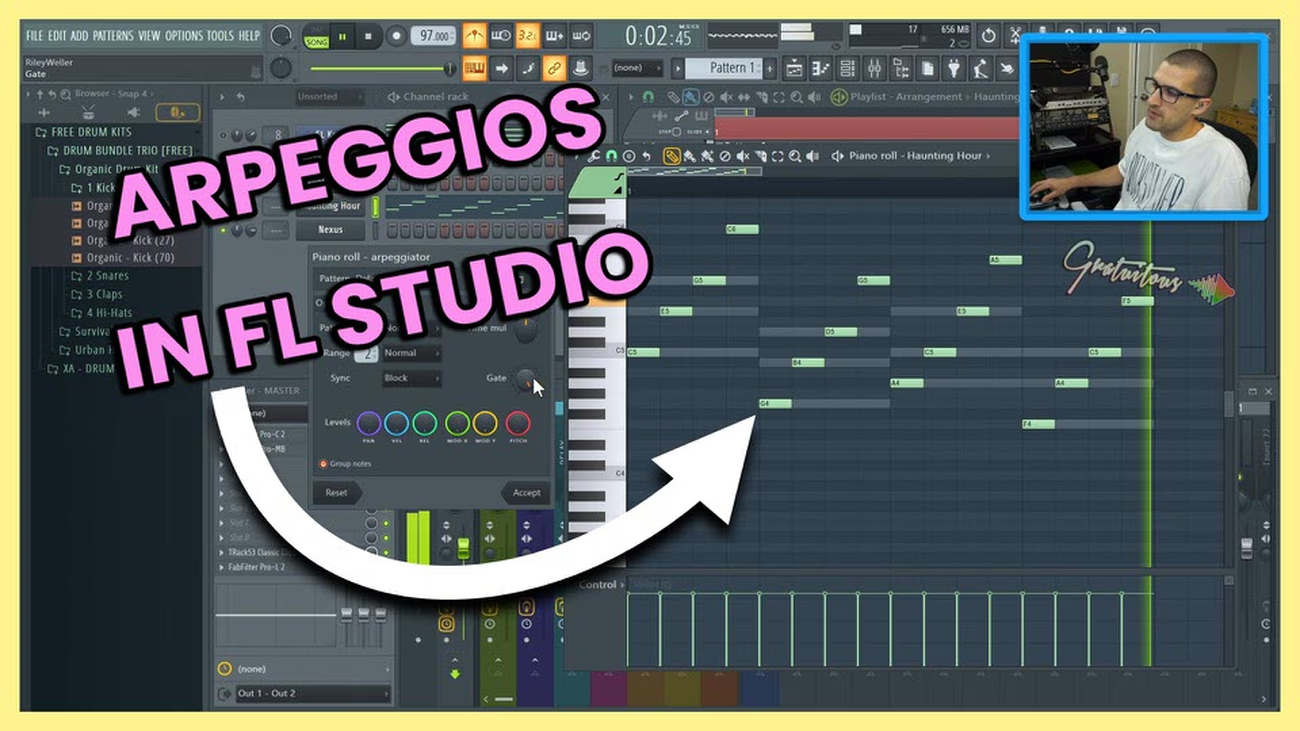
How to Use Arpeggios in FL Studio
How to use arpeggios in FL Studio with the Channel Sampler Arpeggiator and Piano Roll Arpeggiator to make…
Read More
Studio notes, sorted
Browse the archive
How to use arpeggios in FL Studio with the Channel Sampler Arpeggiator and Piano Roll Arpeggiator to make…
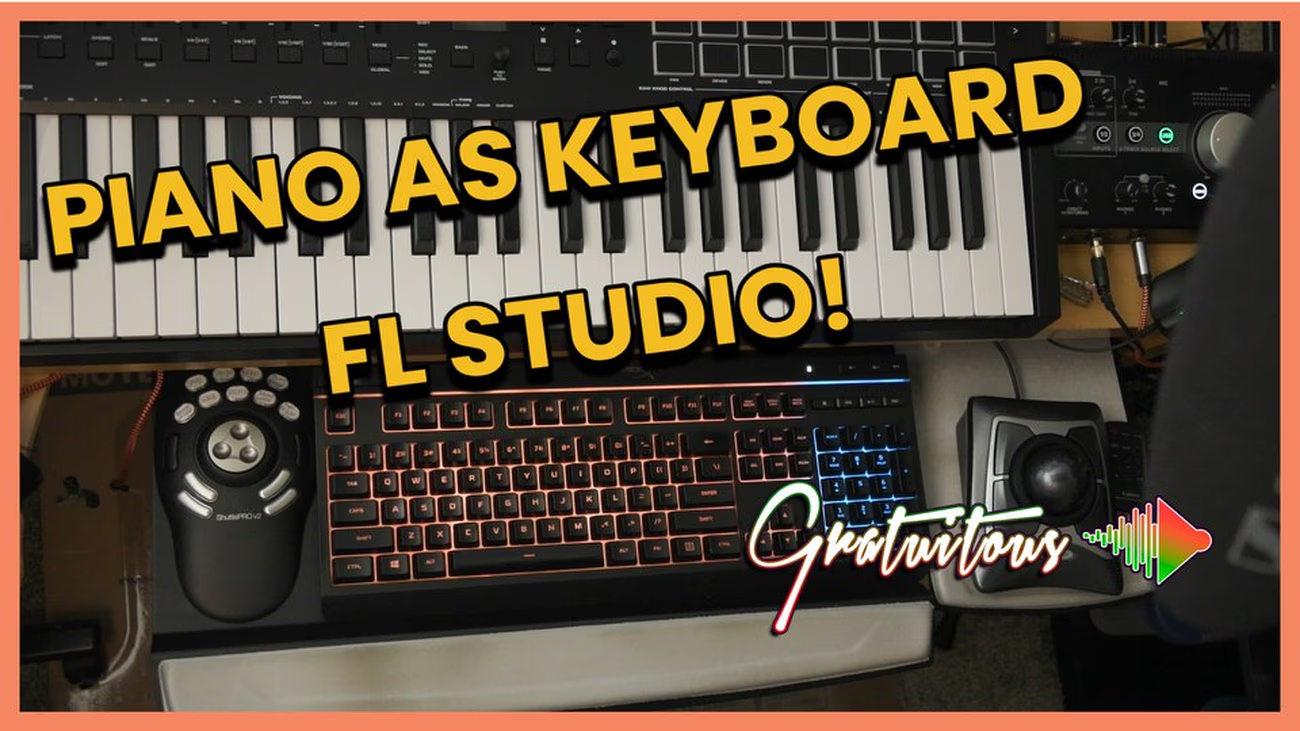
Read MoreHow to use a computer keyboard as a piano in FL Studio without using a MIDI Keyboard or…
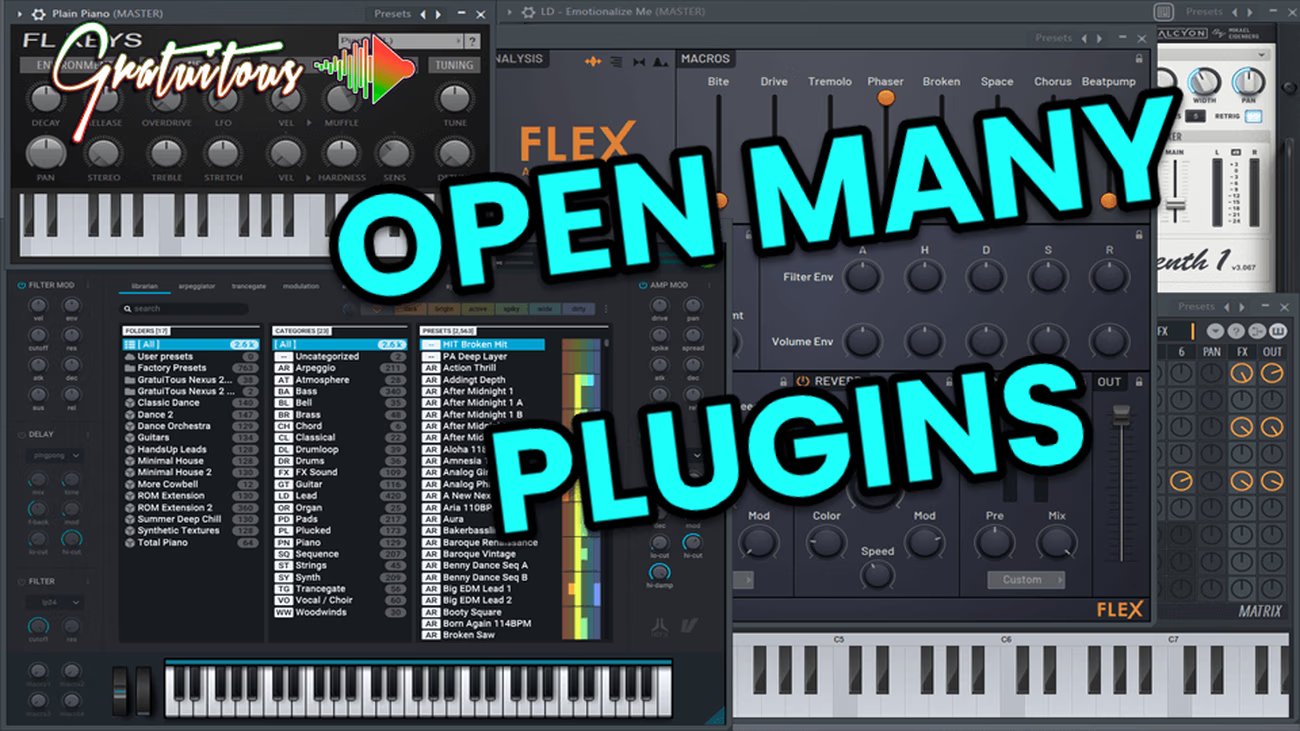
Read MoreHow to keep multiple plugin windows open in FL Studio by holding ALT + LEFT-CLICK. You can disable…
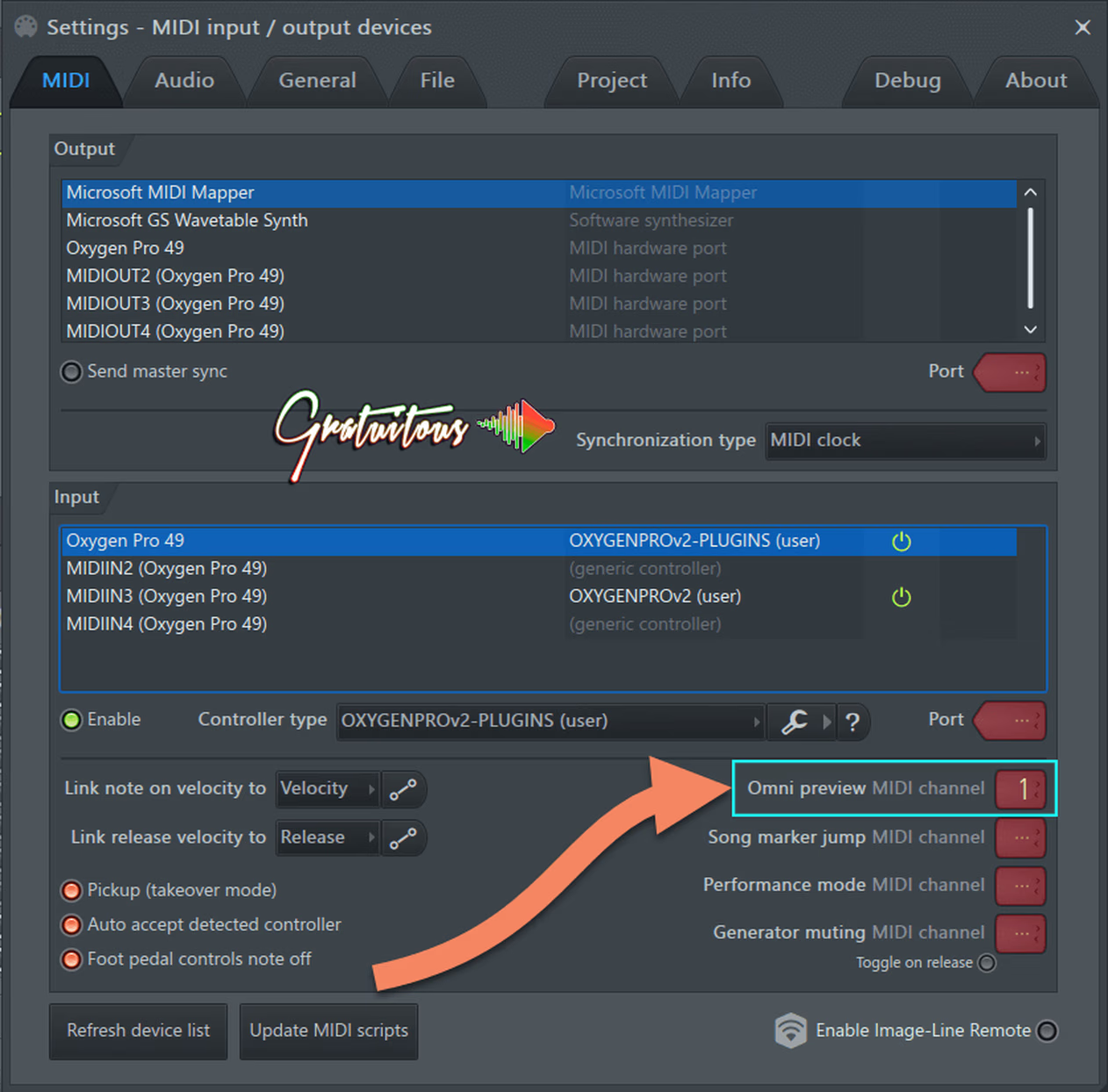
Read MoreOmni Preview allows you to map channel rack drums to MIDI Keys or Drum Pads without using the…
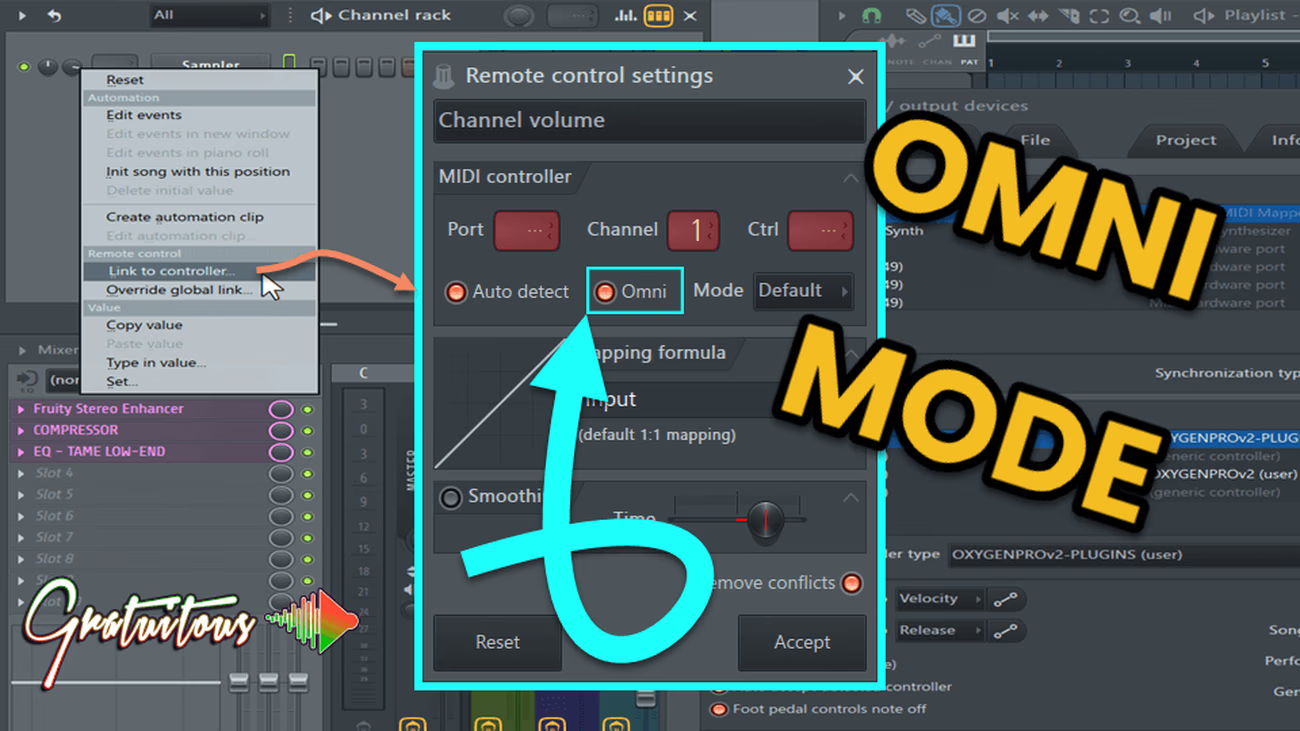
Read MoreOmni mode in FL Studio allows you to set up one knob to control the same parameter off…
Read MoreHow to control multiple knobs with one knob from a MIDI Controller. (Linking multiple parameters to 1 knob…
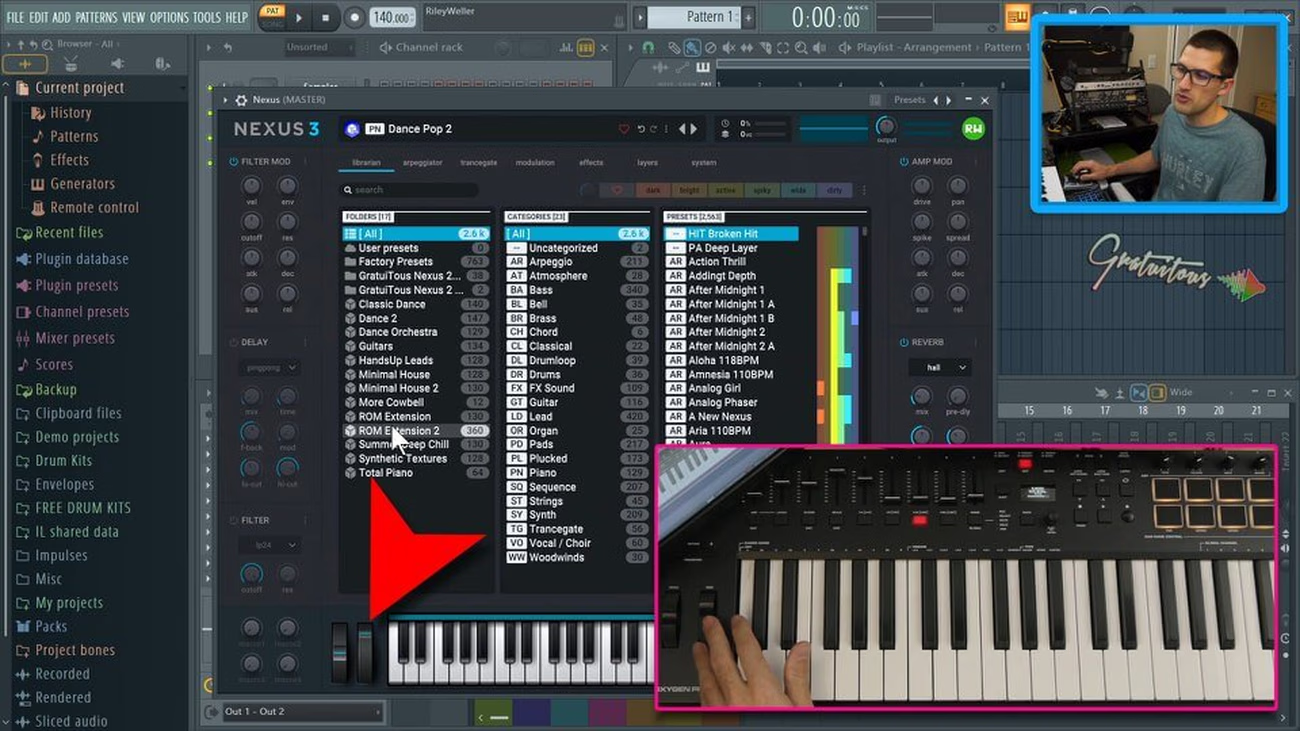
Read MoreHow to fix mod wheel in FL Studio by enabling omni mode, and assigning modulation wheel to CC…
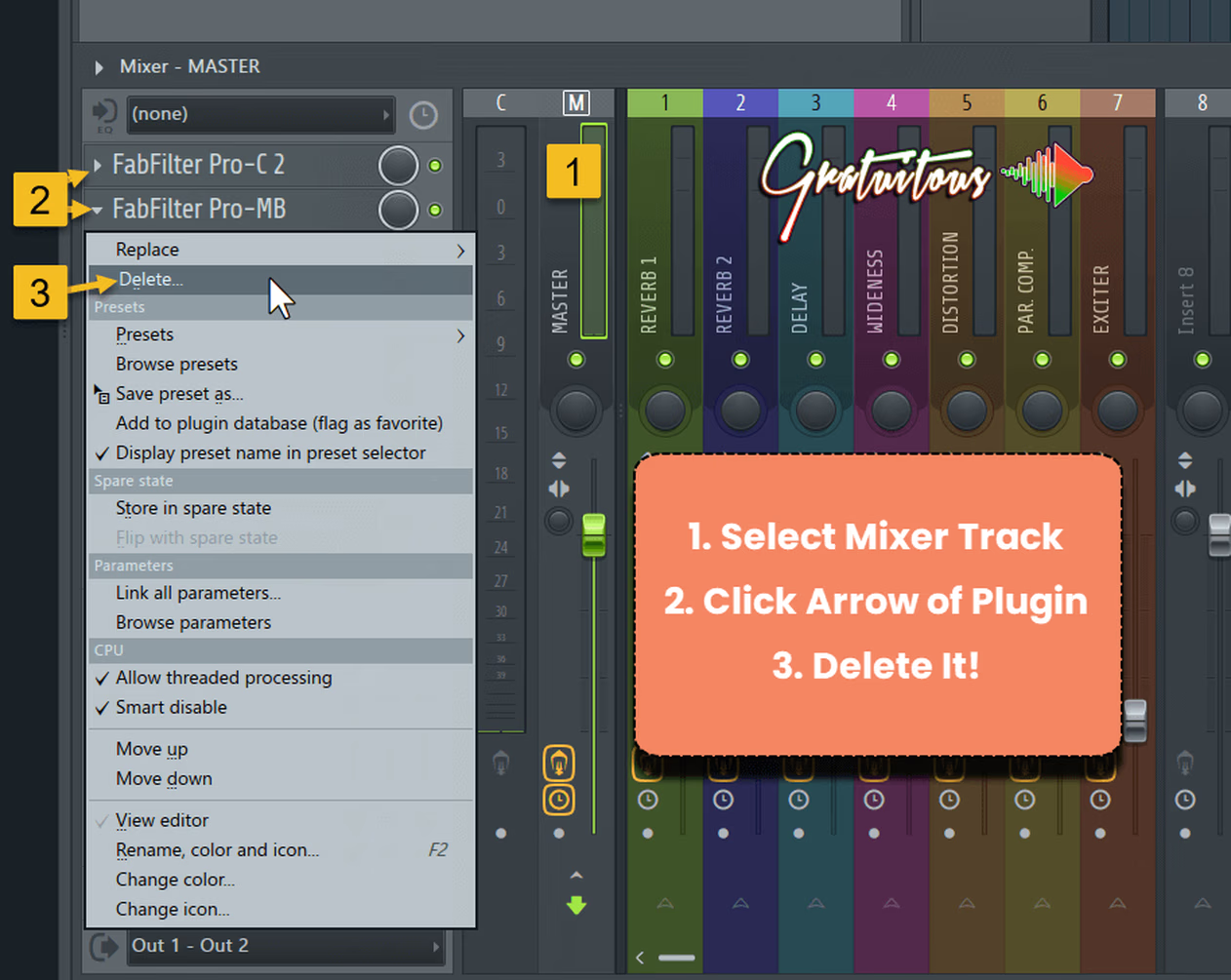
Read MoreHow to delete plugins from the FL Studio mixer, reset a mixer track back to default, delete multiple…
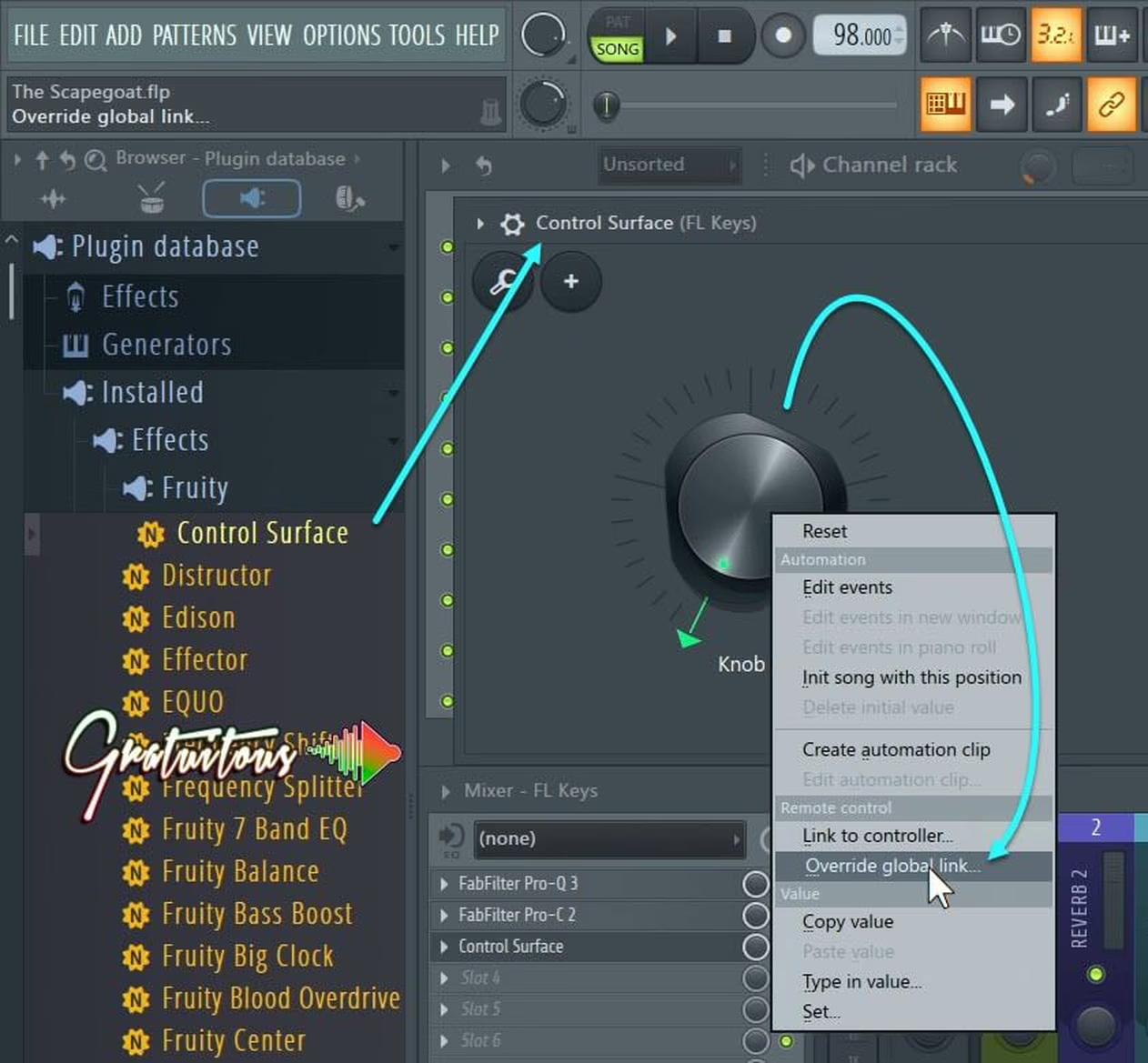
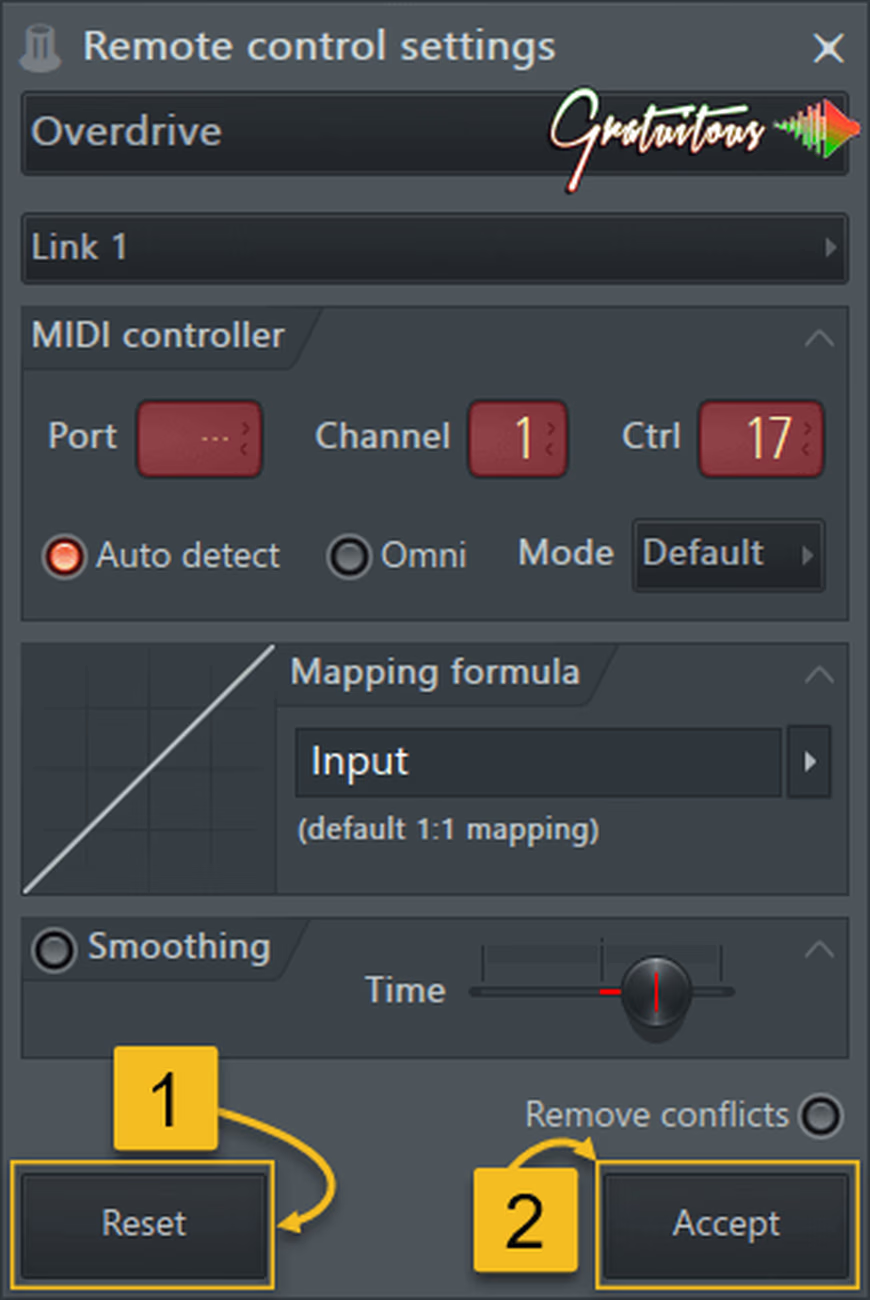
Read MoreHow to remove and delete links mapped to your knob or slider in FL Studio. Reset a MIDI…
Read MoreThe complete library
Lifetime Access includes the full course library today and every future course. Pay once, or choose a payment plan.
Loading…
Loading…