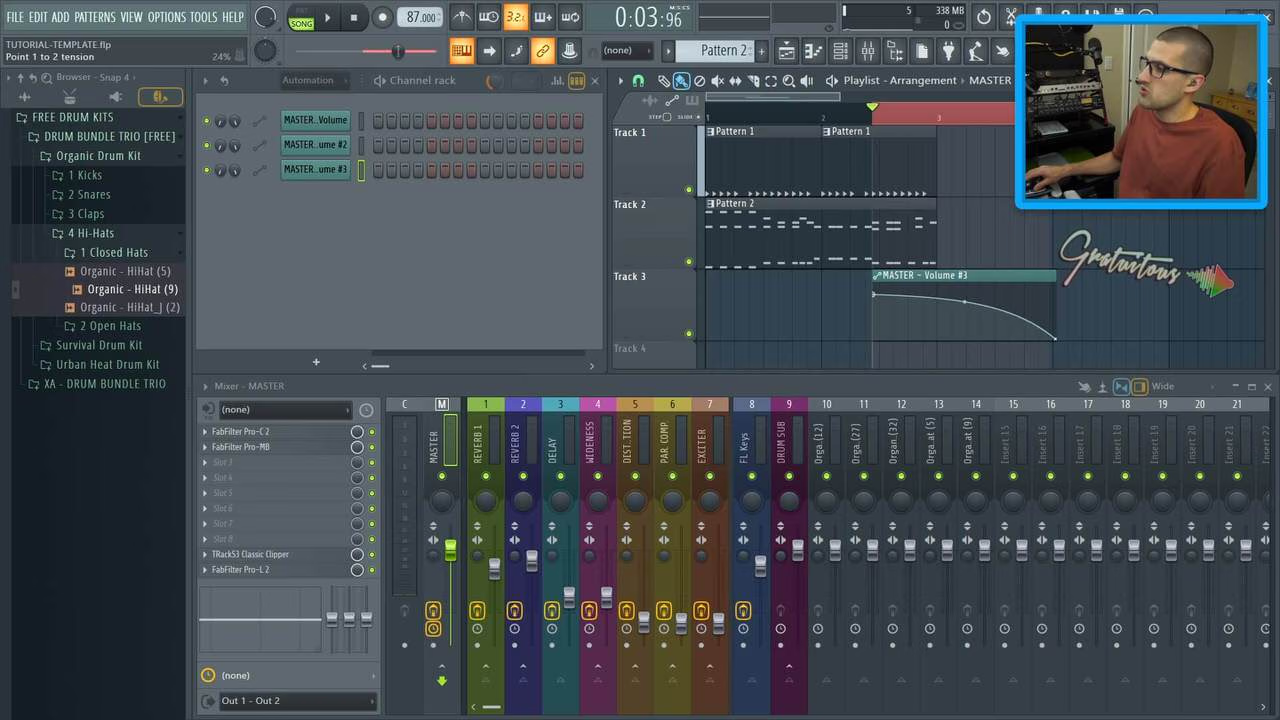
How to Fade Out a Song in FL Studio
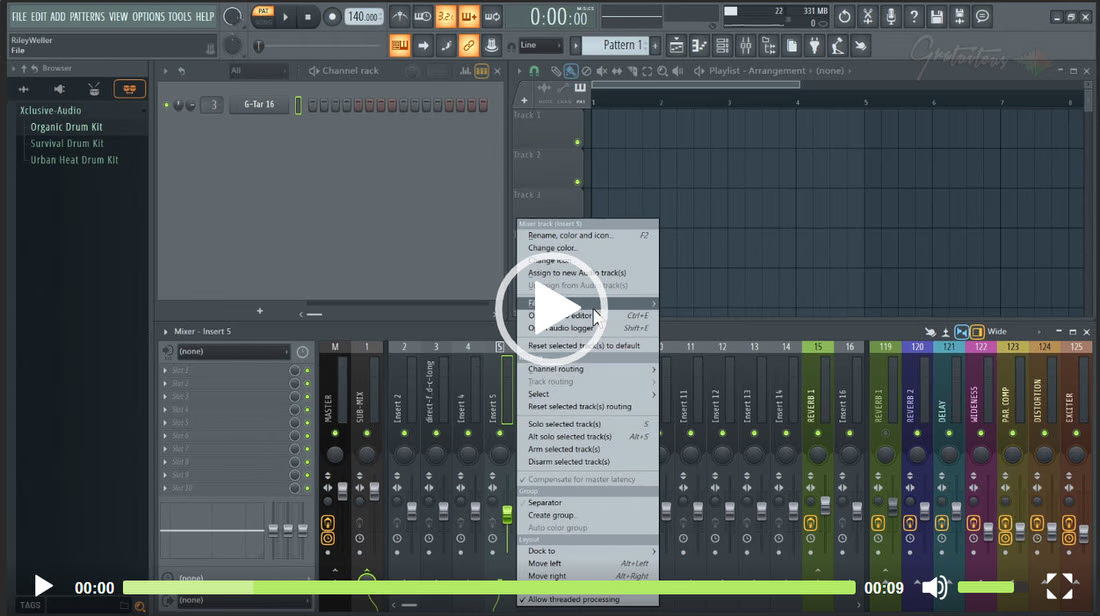
How to Fade Out a Song in FL Studio to Set an End Time and How to Make…
Read More
Studio notes, sorted
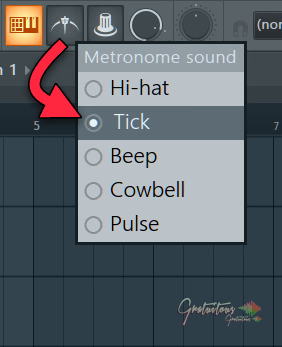
To change the metronome sound in FL Studio, right click the Metronome icon in the top toolbar and pick Hi-hat, Tick, Beep, Cowbell or Pulse.
Read MoreBrowse the archive
How to Fade Out a Song in FL Studio to Set an End Time and How to Make…
Read MoreAdd plugins to all mixer inserts fast in FL Studio by highlighting then dragging a plugin or mixer…
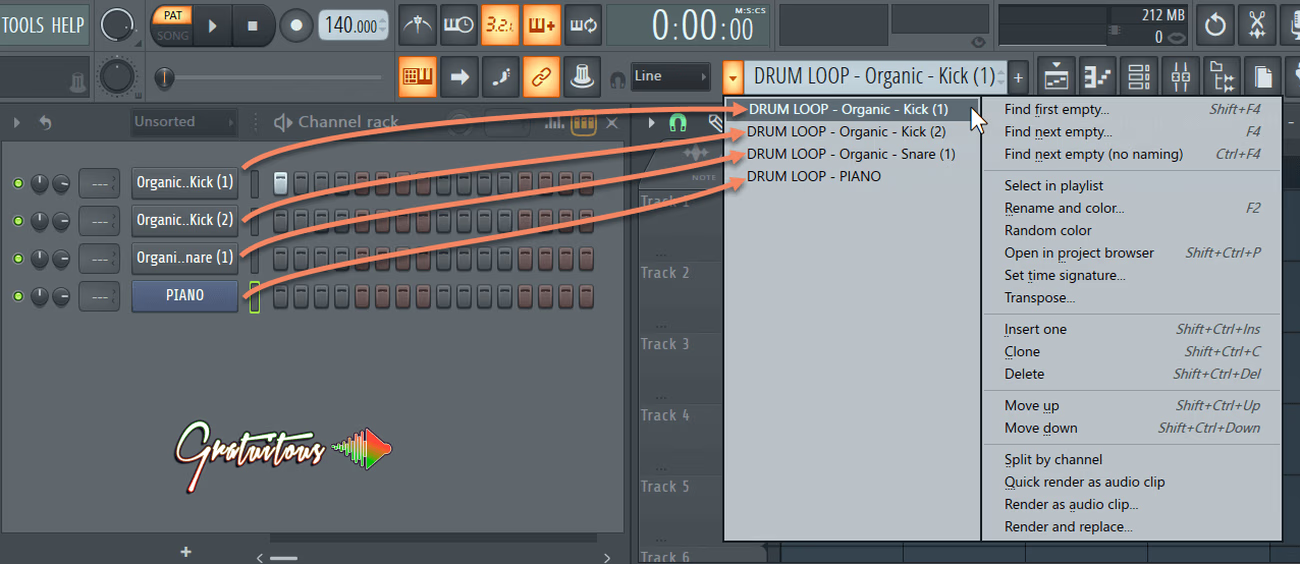
Read MoreSplit by Channel in FL Studio breaks apart a single pattern's sounds into new unique patterns. Make sure…
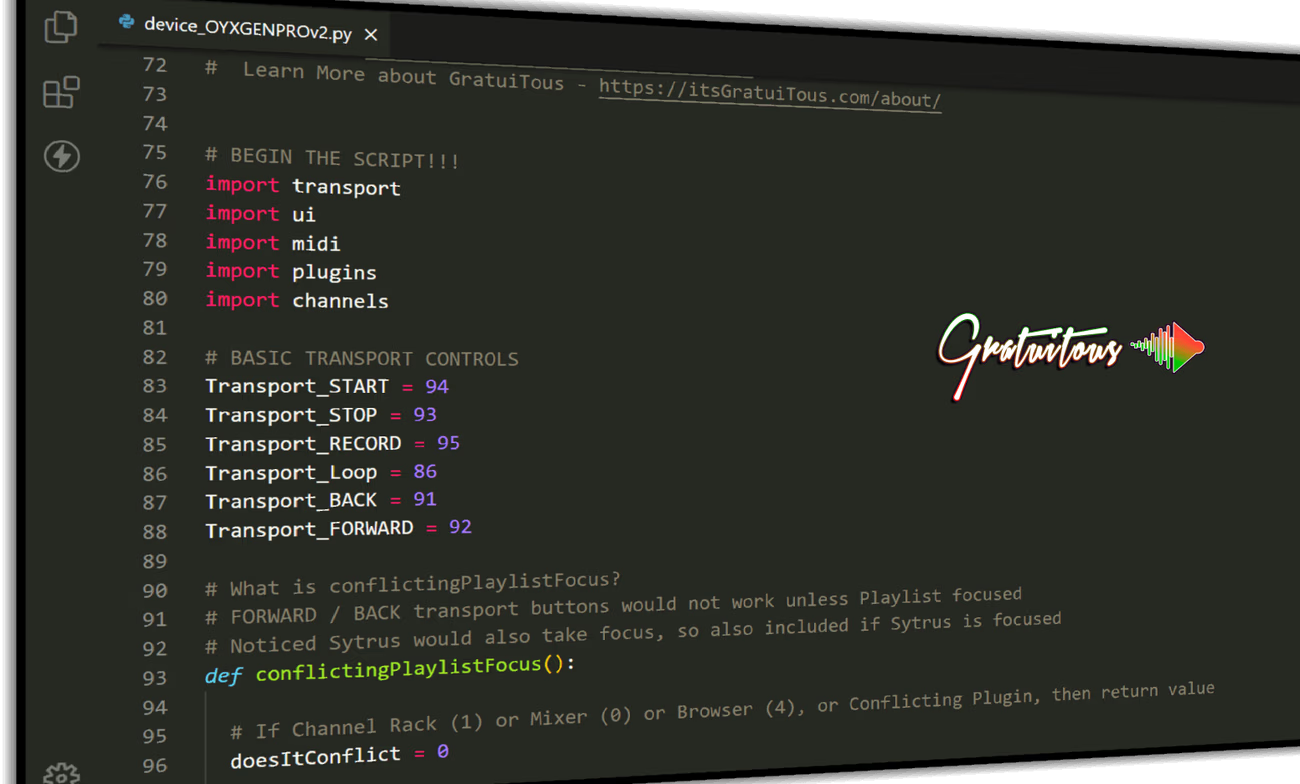
Read MoreFL Studio enabled MIDI Scripting in version 20.7 and has rapidly updated its FL Studio MIDI Script API…
Read MoreHow to Duplicate a Pattern in FL Studio, also known as Cloning. Learn how patterns work, and when…
Read MoreHybridize is a FL Studio feature which allows you to blend two presets into one for a very…
Read MoreHow to Add and Create New FL Studio Patterns with the fastest FL Studio Pattern workflow experience.
Read MoreHow to Ripple in FL Studio. Add or Remove Empty Space in FL Studio Playlist for a super…
Read MoreThe complete library
Lifetime Access includes the full course library today and every future course. Pay once, or choose a payment plan.
Loading…
Loading…