
Home/Tag: FL Studio Help Guide
Tag: FL Studio Help Guide
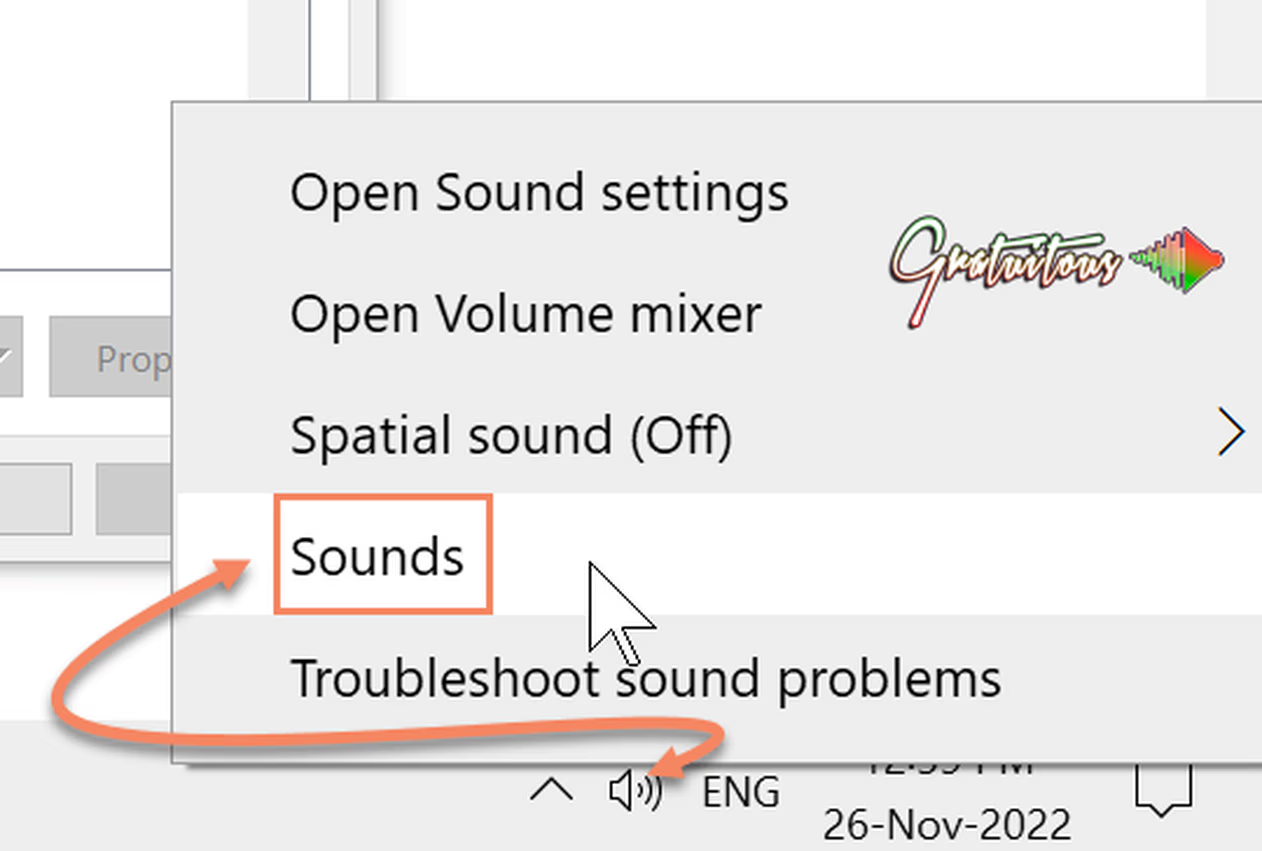 Best FL Studio Settings [Optimize FL Studio Performance]The best settings for FL Studio to optimize performance is selecting an ASIO Driver, and disabling Windows Audio…Read More
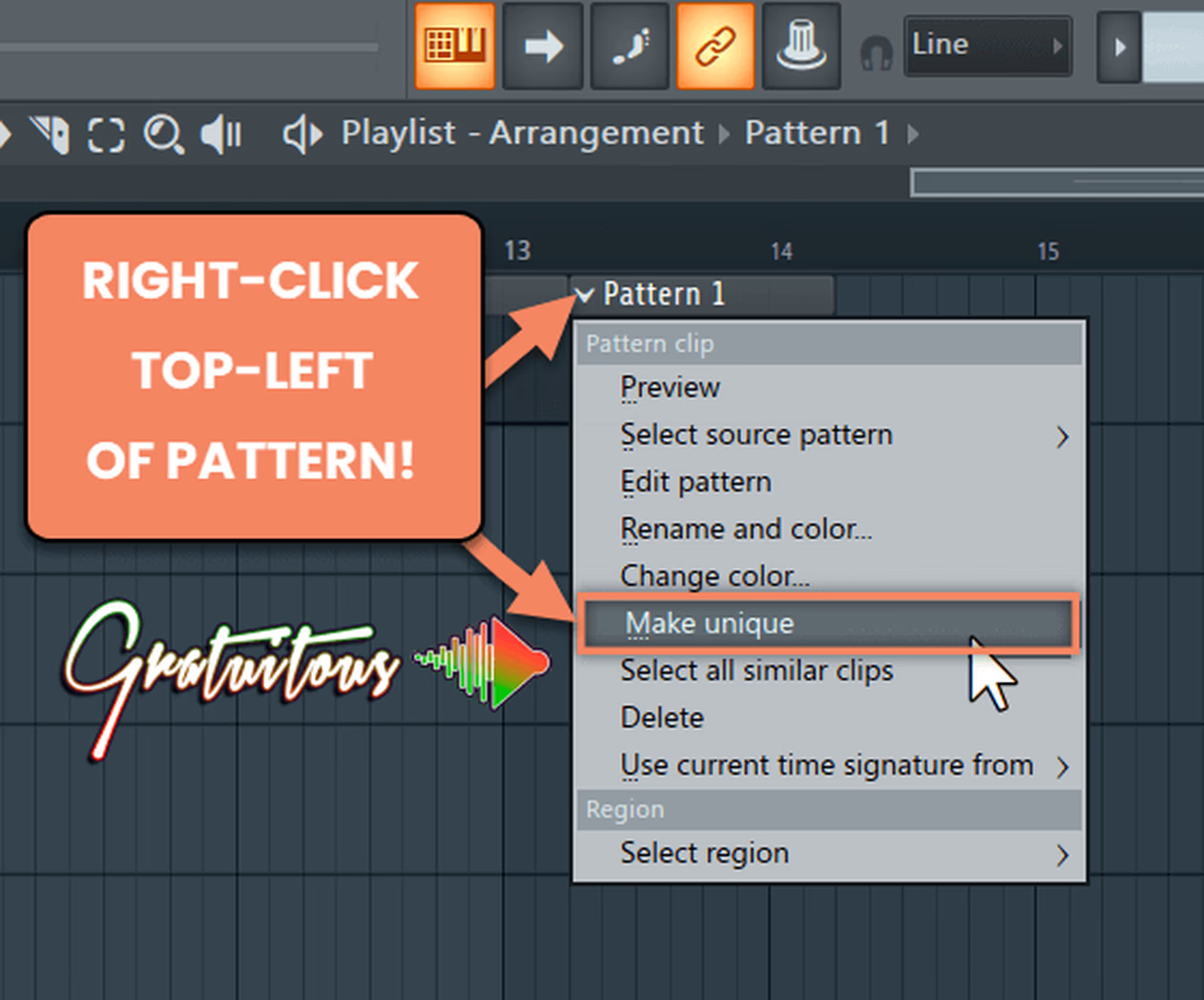 How to Use Make Unique in FL StudioMake unique allows you to clone a pattern in FL Studio to give your beats variety fast. You…Read More
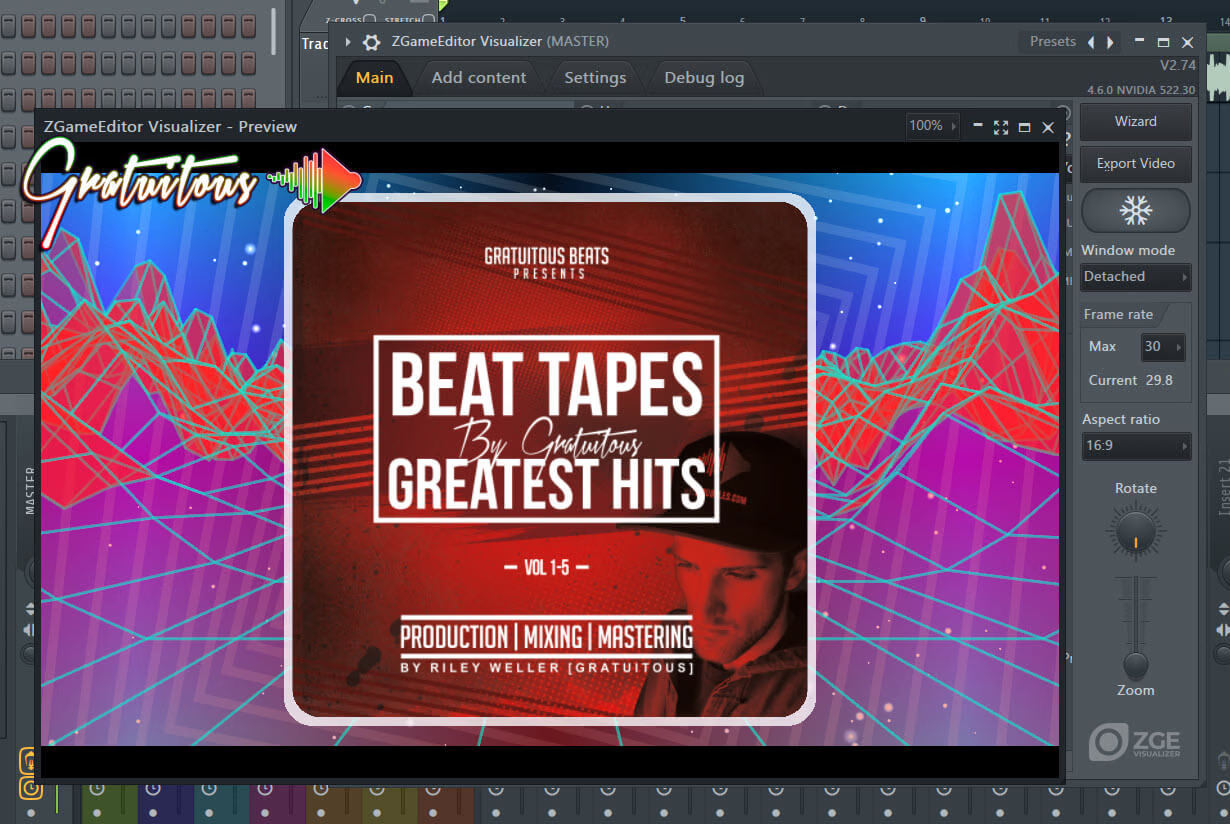 How to Use ZGameEditor Visualizer in FL StudioHow to Use ZGameEditor Visualizer in FL Studio (with an Example Video)Read More
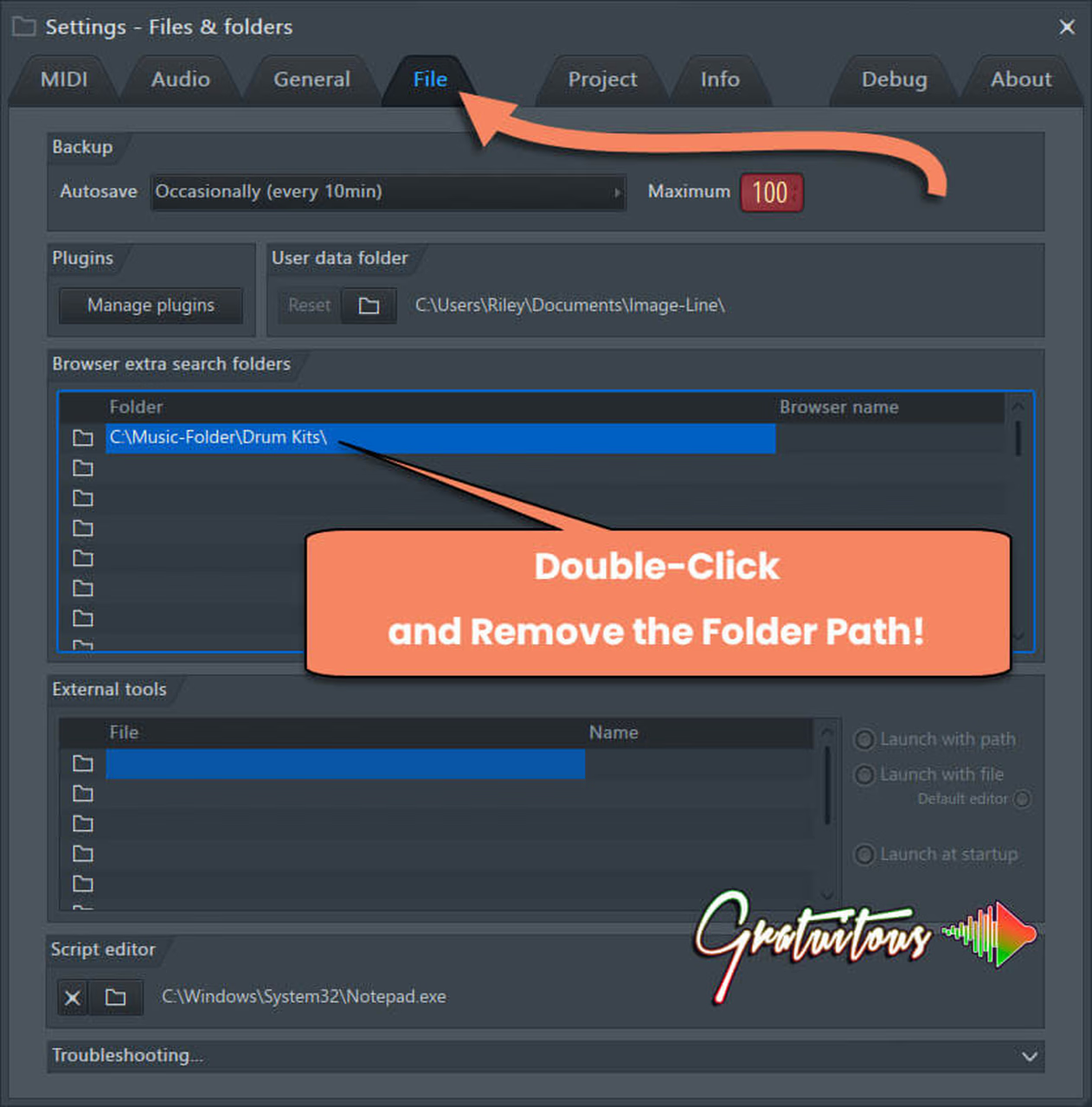 How To Remove Empty Folders In FL StudioHow to remove empty folders from FL Studio's browser. Just go to Settings -> File -> Browser extra…Read More
 How to Use FL Studio Help ManualHow to use the FL Studio Help Manual for the best learning experience. We cover using F1 to…Read More
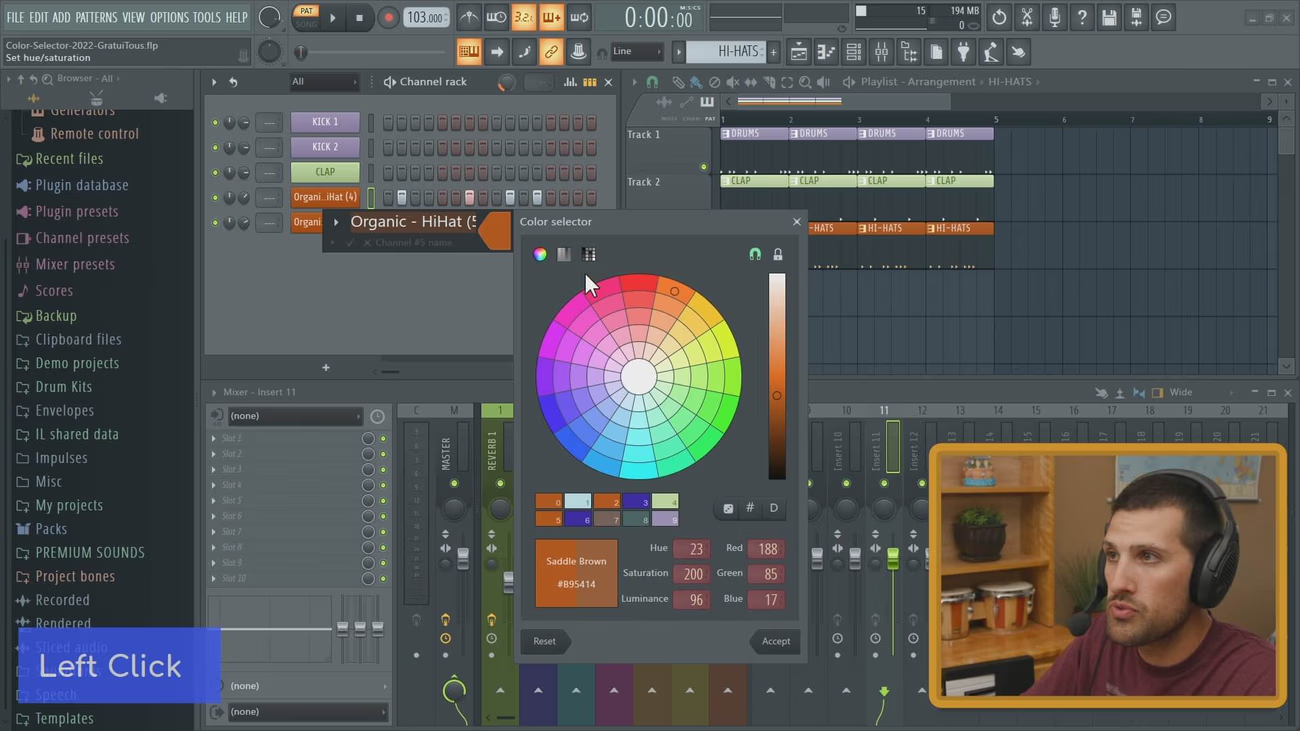 Using FL Studio’s New Color Selector [Color Palette]How to use the new FL Studio Color Selector and Gradient Editor for a fast workflow in FL…Read More
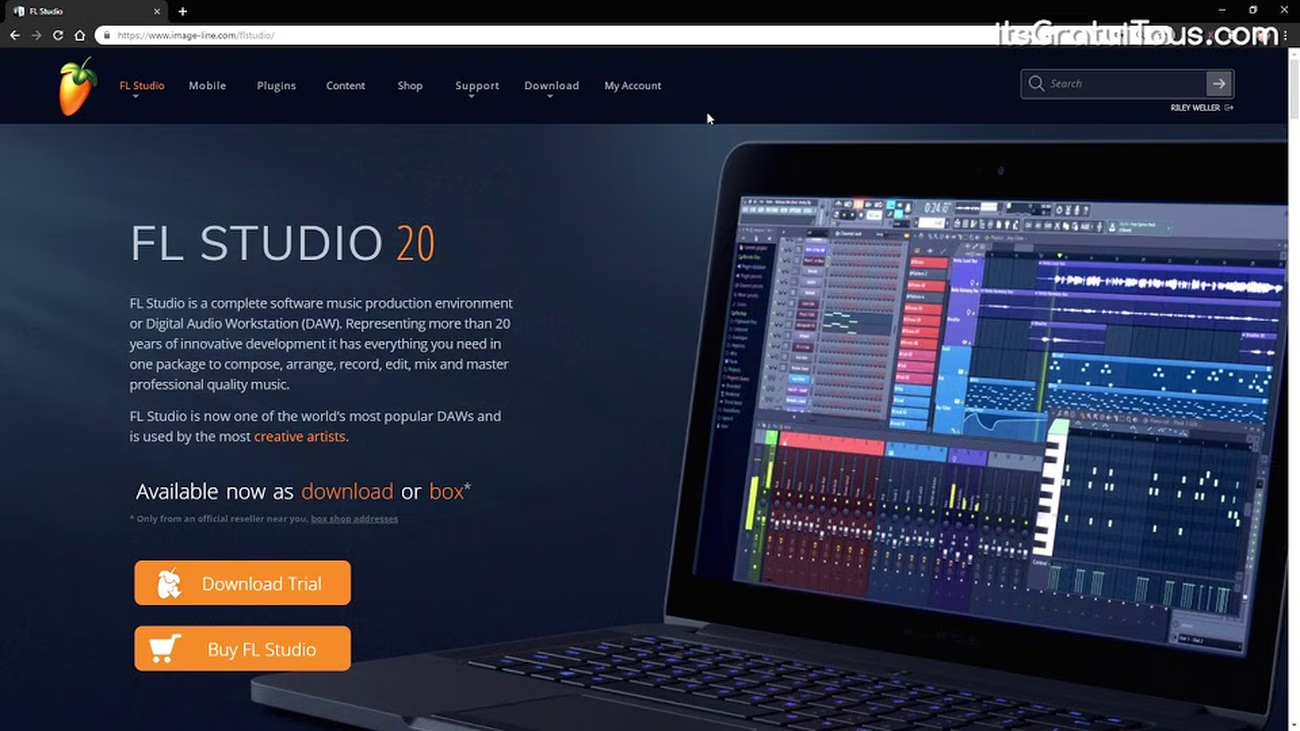 How to Unlock FL Studio from Trial VersionHow to Unlock FL Studio from the Trial Version by using your Image-Line Account, or a .reg key…Read More
 How to Make Drum Loops in FL StudioLearn how to program drum loops in FL Studio for Beginners.. works for any genre like dance and…Read More
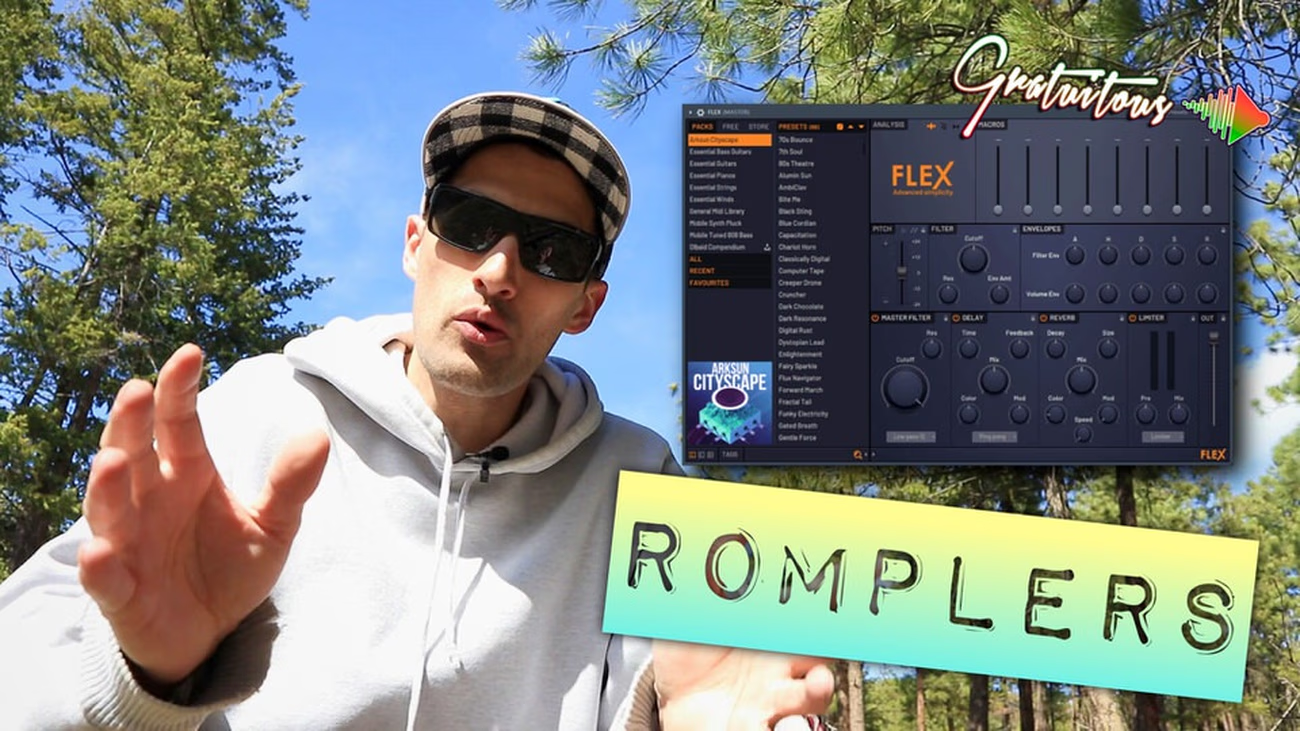 What is a ROMplerROMplers are preset-based virtual instruments (synthesizer) that allow beatmakers to select high-quality presets FAST, without knowing sound design,…Read More