
This post contains affiliate links – Read affiliate disclaimer
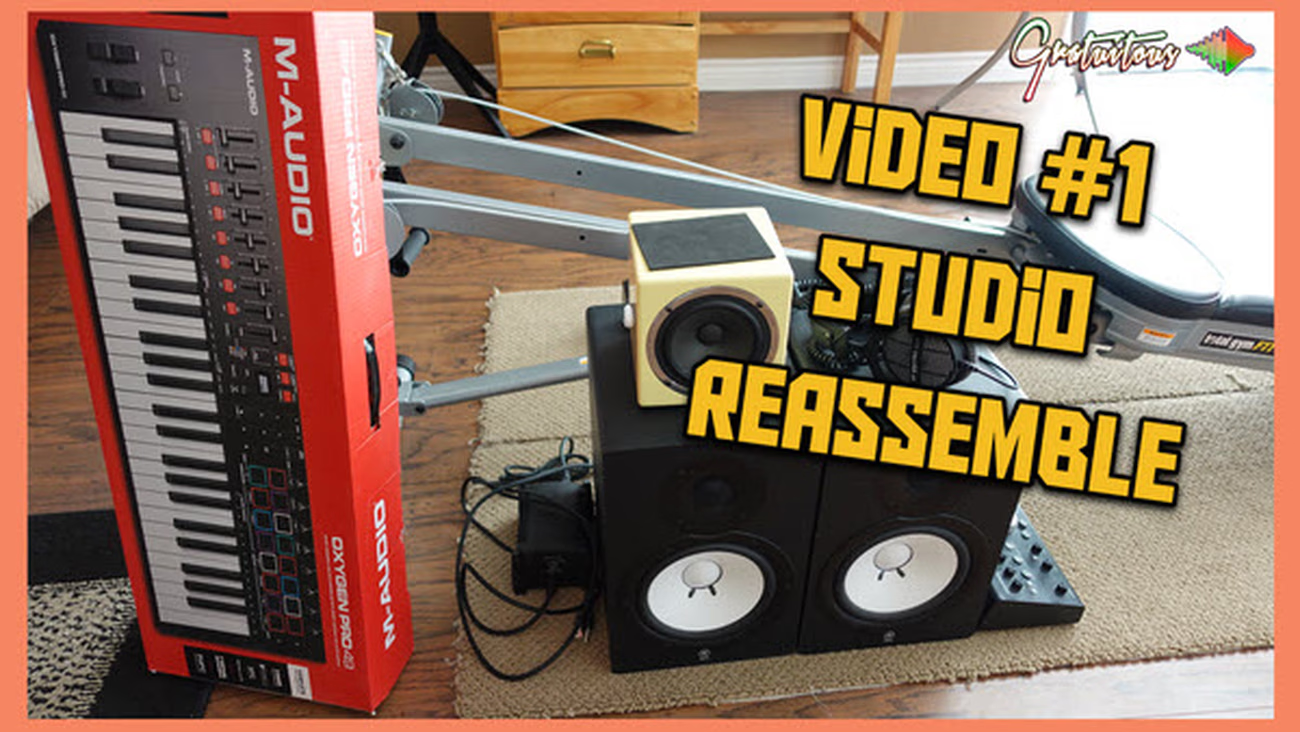
Due to being evacuated this summer from forest fires, my studio was disassembled. This first video of the series shares rebuilding my studio, and bringing you along the journey.
Watch All Music Studio Reassemble Series Videos
I first share the brand-new beatmaker training platform!
There’s an updated Questions Area, a brand-new Help Area for popular products, an updated Course Pathways, and a lot of custom code so I don’t have to worry about plugins!
You then get to see my music equipment disassembled, which I explain.. you don’t need the best to make professional beats.. intermediate quality will do you just fine!
But make sure it works well with FL Studio..
I then take you into the broken down studio..
The plan is to set up my computer monitors so they’re easy to adjust, bring close for my eyes working, but push them out of the camera’s view when creating FL Studio Courses.
This video explains the quick rundown, and you get to see what the computer monitor arms look like.
Here’s the monitor arms I ended up going with:
That’s it for part 1 of this Music Studio Reassemble Series!
Go to Part 2 here!


Community
Questions